
Invite a provider
Select "Care Team" in the left main menu
Last updated: May 7, 2026
!danger WARNING: This task can have security implications if done erroneously. Use care to ensure you are using the correct email address for providers you add to Engage.
Go to "Care Team"
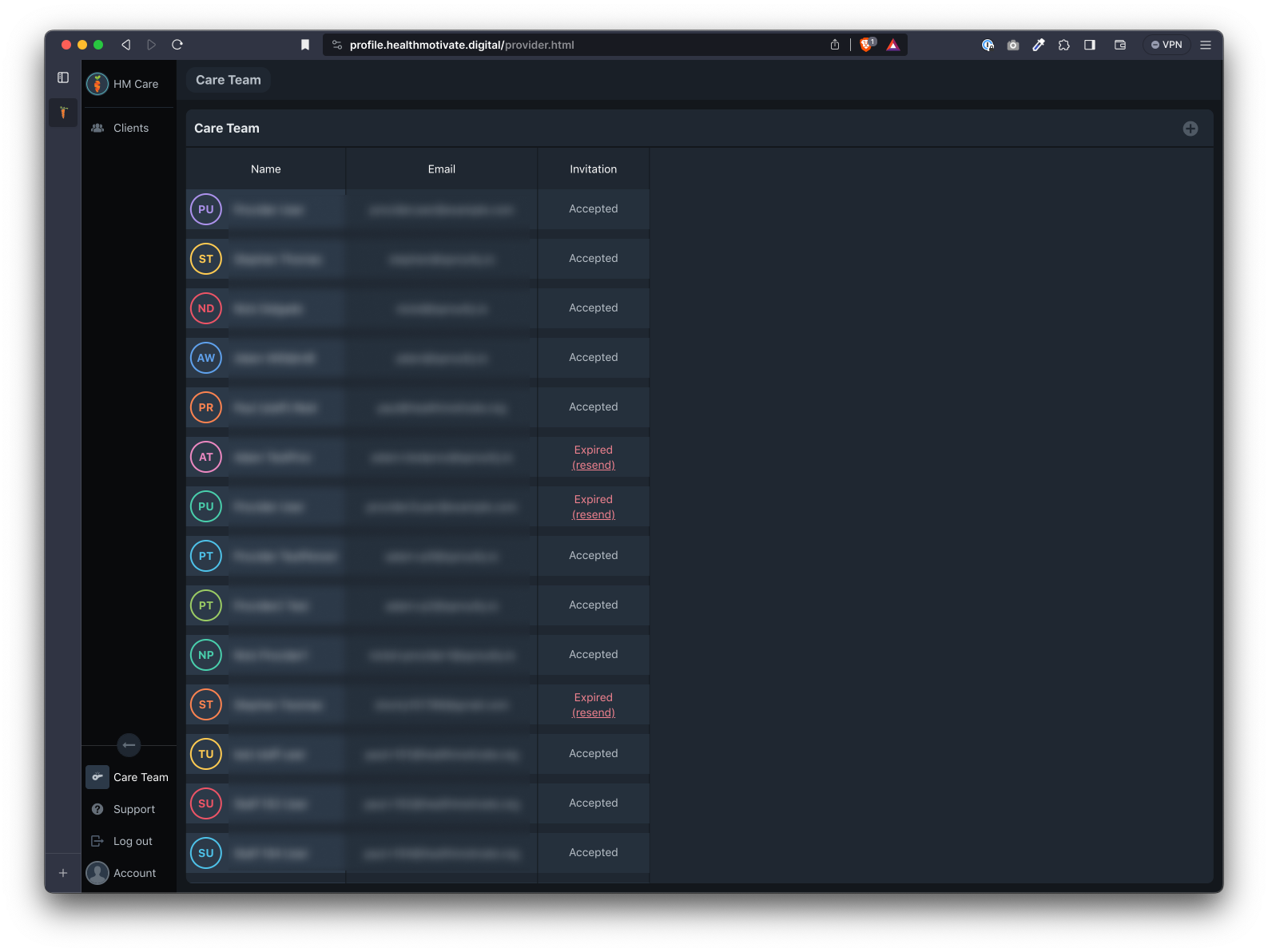
Select "Care Team" in the left main menu
Click the "plus" button
In the "Care Team" page, click the "plus" button at the top right of the page
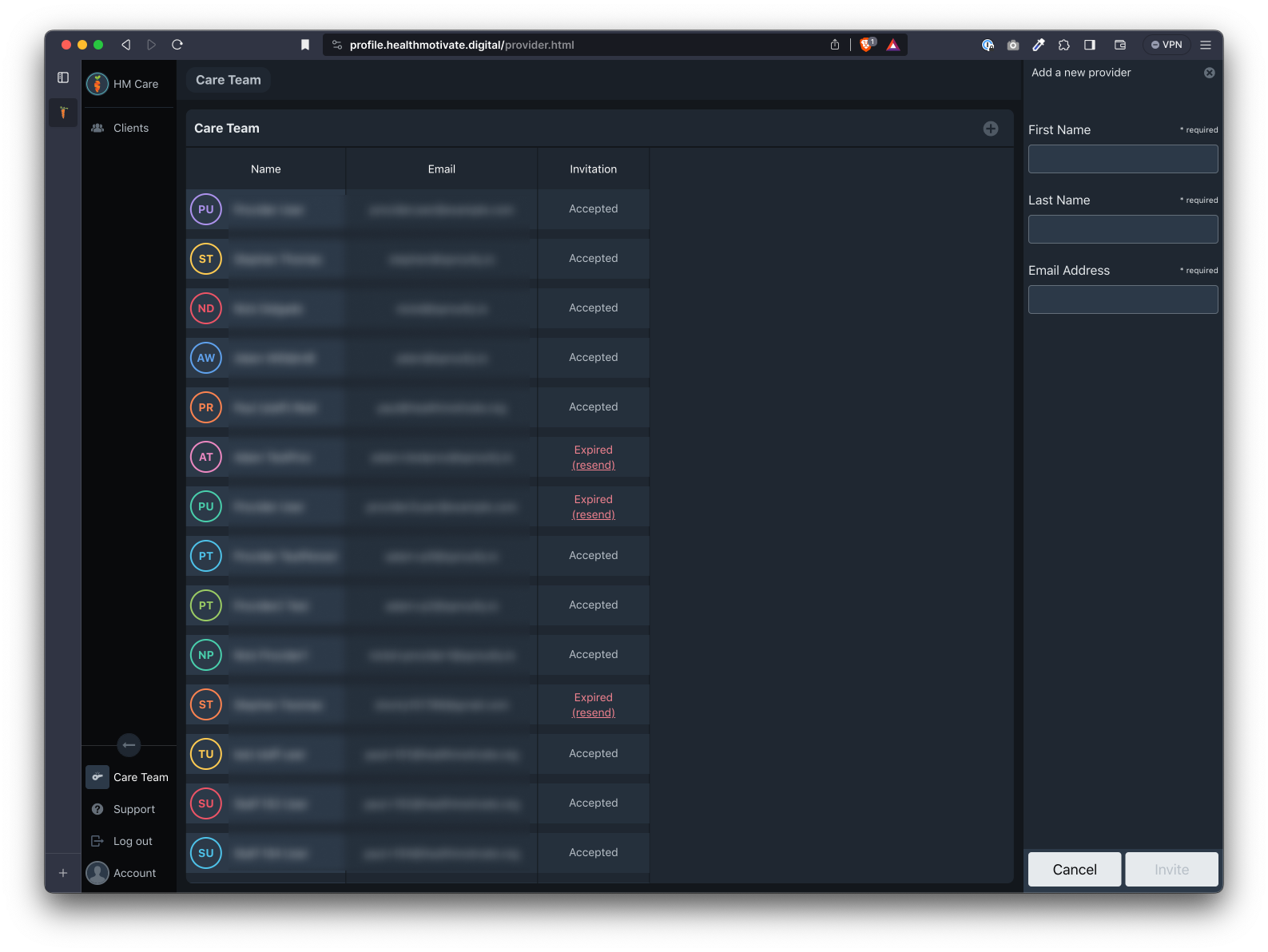
Once there, enter the care team member's details and click "Invite" when done.
Choose to "Confirm" the prompt
Click "Confirm" when prompted to verify the email address is correct. A new provider will be added to the list with the word "Pending" in the Invitation column.
The provider will receive an email with an invitation to setup an account.
Was this article helpful?