
Tracks and Metrics
The tracks area lists all the metrics for each plan or tracker. Scanning horizontally across the timeframe allows the care team member to view a clien
Last updated: May 7, 2026
The tracks area lists all the metrics for each plan or tracker. Scanning horizontally across the timeframe allows the care team member to view a client's activities and compliance toward their care plan.
Plans and Trackers
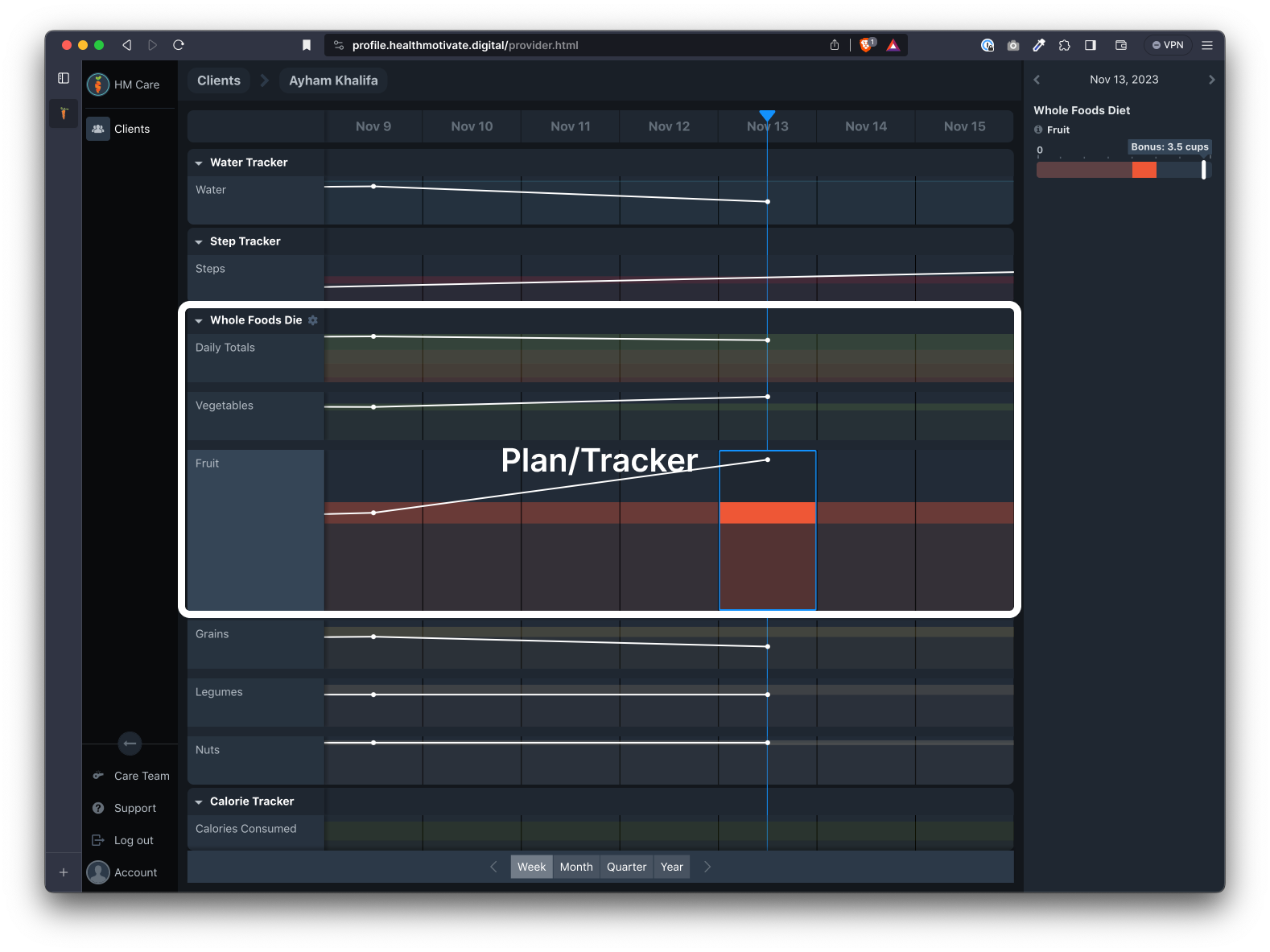
Each plan or tracker the client installs in the app will show up as a Plan or Tracker in the Tracks region. When the client uninstalls a Plan or Tracker, it will disappear from the Tracks region.
Examples of Plans and Trackers are:
- Whole Foods Diet
- Water tracker
- Step tracker
- Calorie tracker
- Blood pressure
- Sleep tracker
- Weight tracker
Metrics
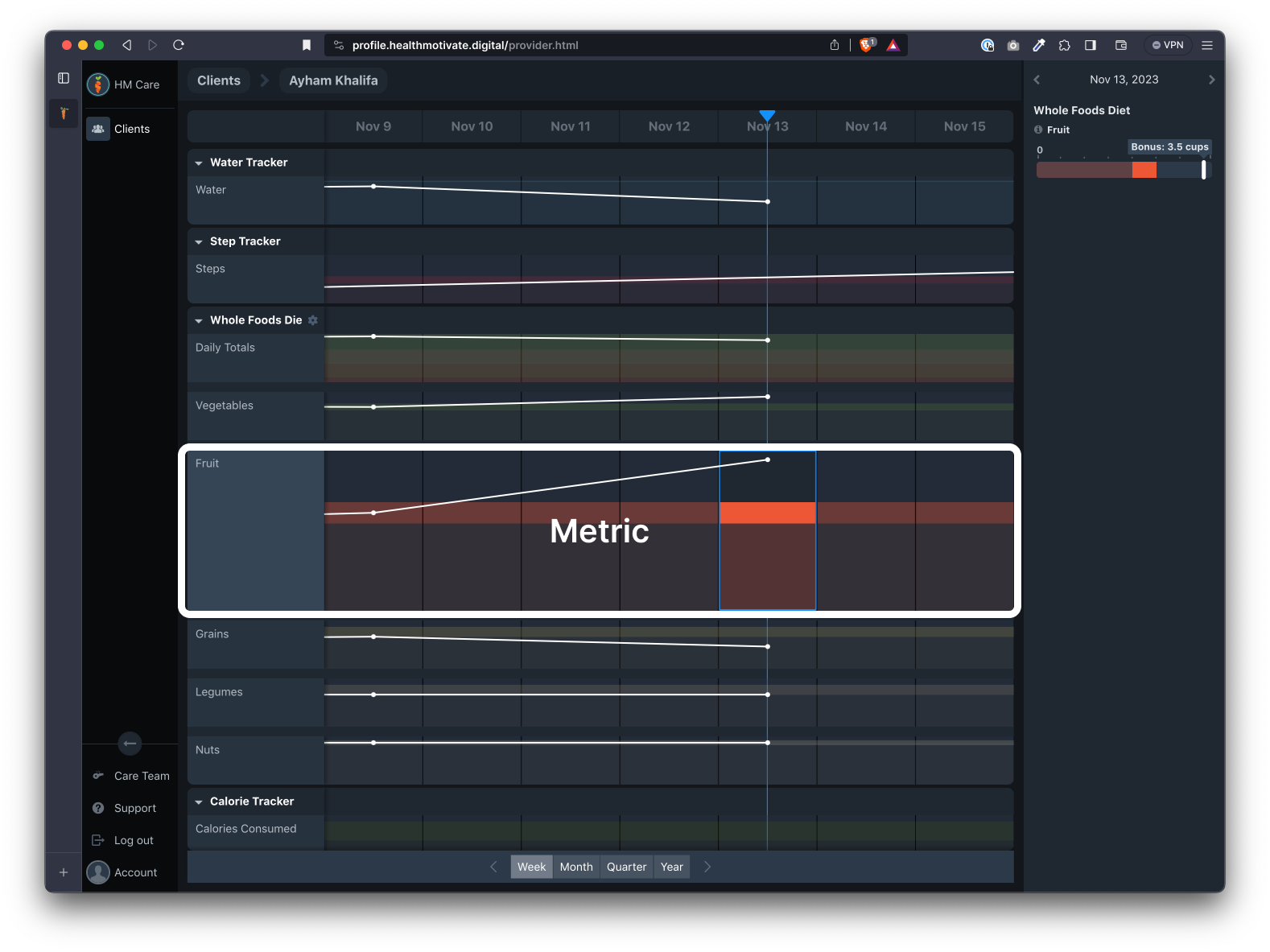
Each Plan or Tracker contains at least one metric. A metric can be an activity logged, such as a serving of food, or it can be biometric data, such as a blood pressure reading.
Examples of Metrics are:
- Whole grains
- Cups of water
- Total sleep
- Systolic blood pressure
- Body Mass Index
- Calories consumed
Was this article helpful?