
Setup & Customization
As an organization in the Engage platform, you must customize the following:
Last updated: May 7, 2026
Setup & Customization
Organizational Name: This should be the official name of your organization as you'd like it to appear in the app to your clients/patients.
Organizational Description: A brief summary of your organization to be seen by your patients/clients in the app (maximum length of 100 words).
Privacy Policy: Provide a link or attach a rich-text document of your organization's privacy policy to be displayed and accepted by your patient/clients in the app.
Primary Account Manager: The main contact from your side who will manage and oversee the HealthMotivate account.
Any Additional Care Team Members: Names and email addresses of any other team members involved in the account. (can be invited at a later time)
Branding/Logo Images: Provide one full logo and one SQUARE logo mark as a 512 pixel JPG, GIF, PNG or SVG image. This will be used for branding and customization purposes within the app.
Branding/Logo Images
The following guides are design to explain how to prepare your logo for use on Engage.
Your logo
The following are a couple examples of a logo to be added to Engage.

 Example logo in stacked format
Your logo mark
The symbol used in your logo without the text is called the logo mark. Often this is the image you use as your organization profile image on social media. Here is an example of a logo mark for the example logo above.
 Logo mark
Adjustments to the logo mark
Some logos, like the one above, may have challenges when used as a square or circle profile image. Below you can see various attempts to customize it for a profile image.

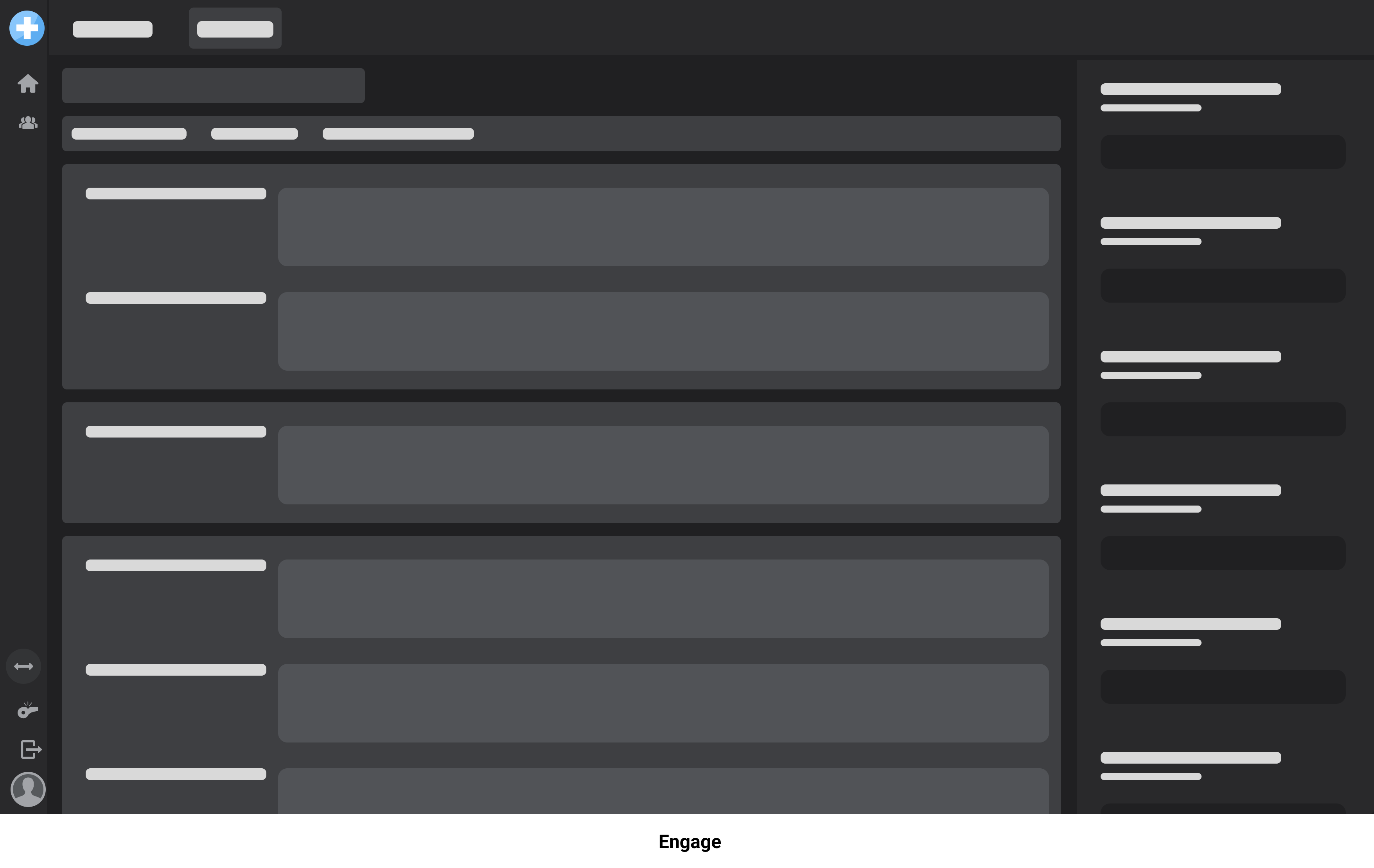
Logo/branding appearance in Engage
When you add your logo to be used in Engage, it will have an appearance similar to the layout below.
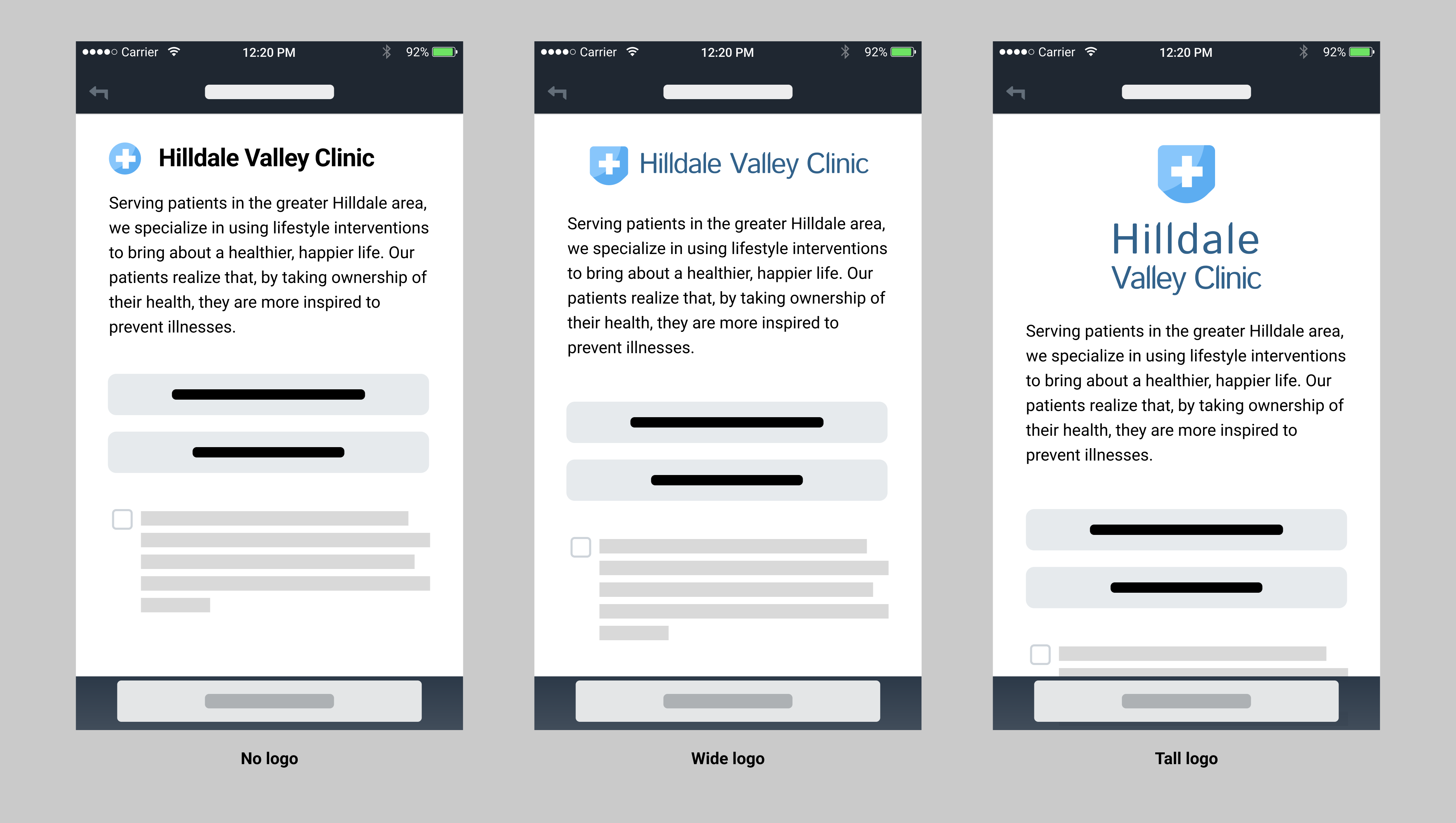
Logo/branding appearance in the app
When you add your logo to be used in the app, it will have an appearance similar to one of the layouts below. Note that if you do not add a full logo, the app will default to the display of your logo mark.
Was this article helpful?