
Overview
The client timeline allows care team members to review activities logged by their clients. The care team can scroll through the client's timeline at v
Last updated: May 7, 2026
The client timeline allows care team members to review activities logged by their clients. The care team can scroll through the client's timeline at various levels of detail and focus on a single metric or highlight multiple metrics to look for correlations.
Main regions
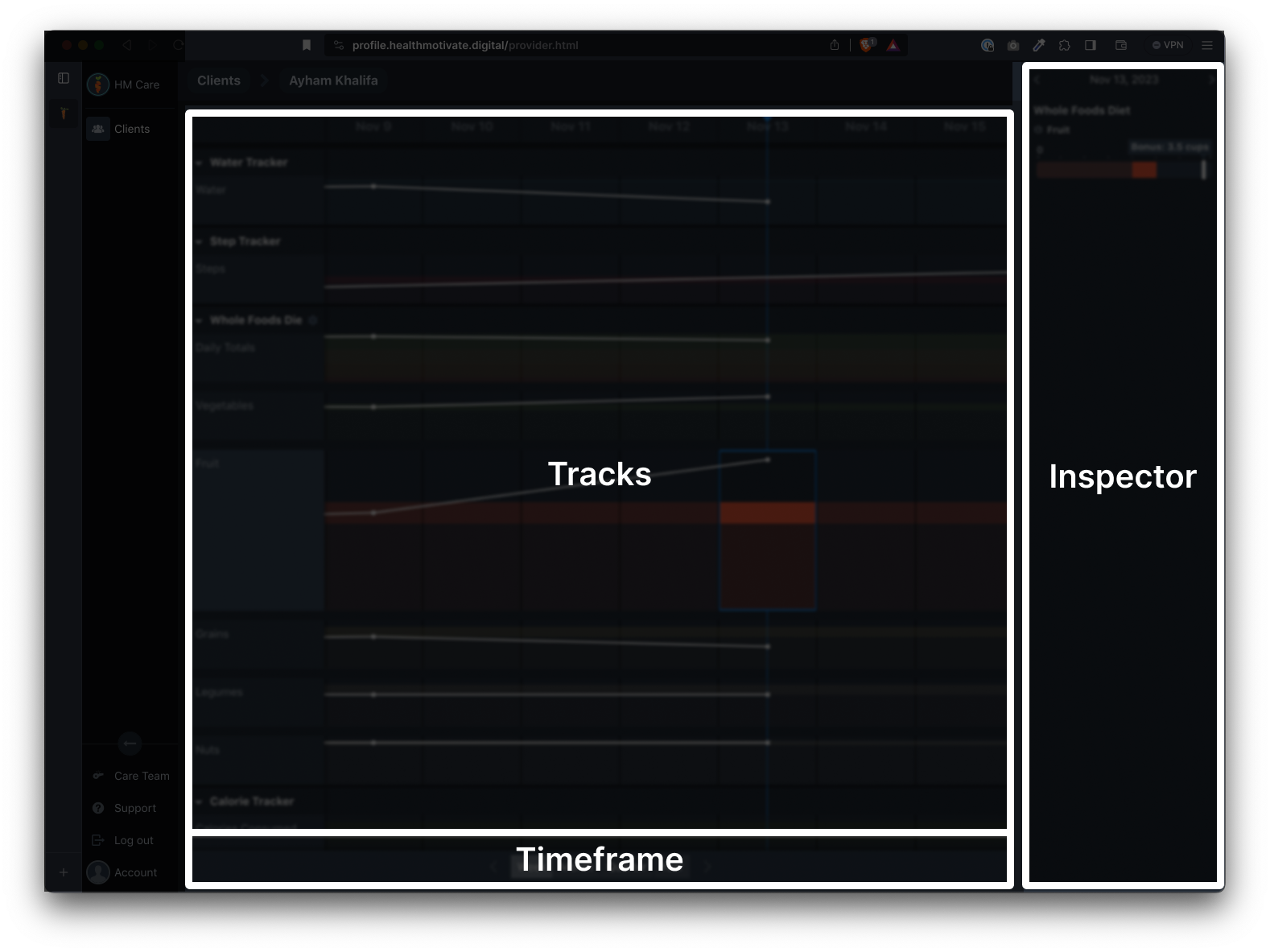
There are three main regions of the client timeline:
- Tracks
- Inspector
- Timeframe
Tracks
The tracks area lists all the metrics for each plan or tracker.
Inspector
The data inspector zooms into the selected sample period and metrics in the Tracks region to give more detail to the measurements in the selected sample. Think of it as a magnifying glass to the data shown in the Tracks region.
Timeframe
The timeframe region allows you to widen or narrow your focus on the data presented in the Tracks.
Was this article helpful?