
Timeframe
When inspecting data in the client timeline, you may wish to change the timeframe of the metrics you are analyzing.
Last updated: May 7, 2026
When inspecting data in the client timeline, you may wish to change the timeframe of the metrics you are analyzing.
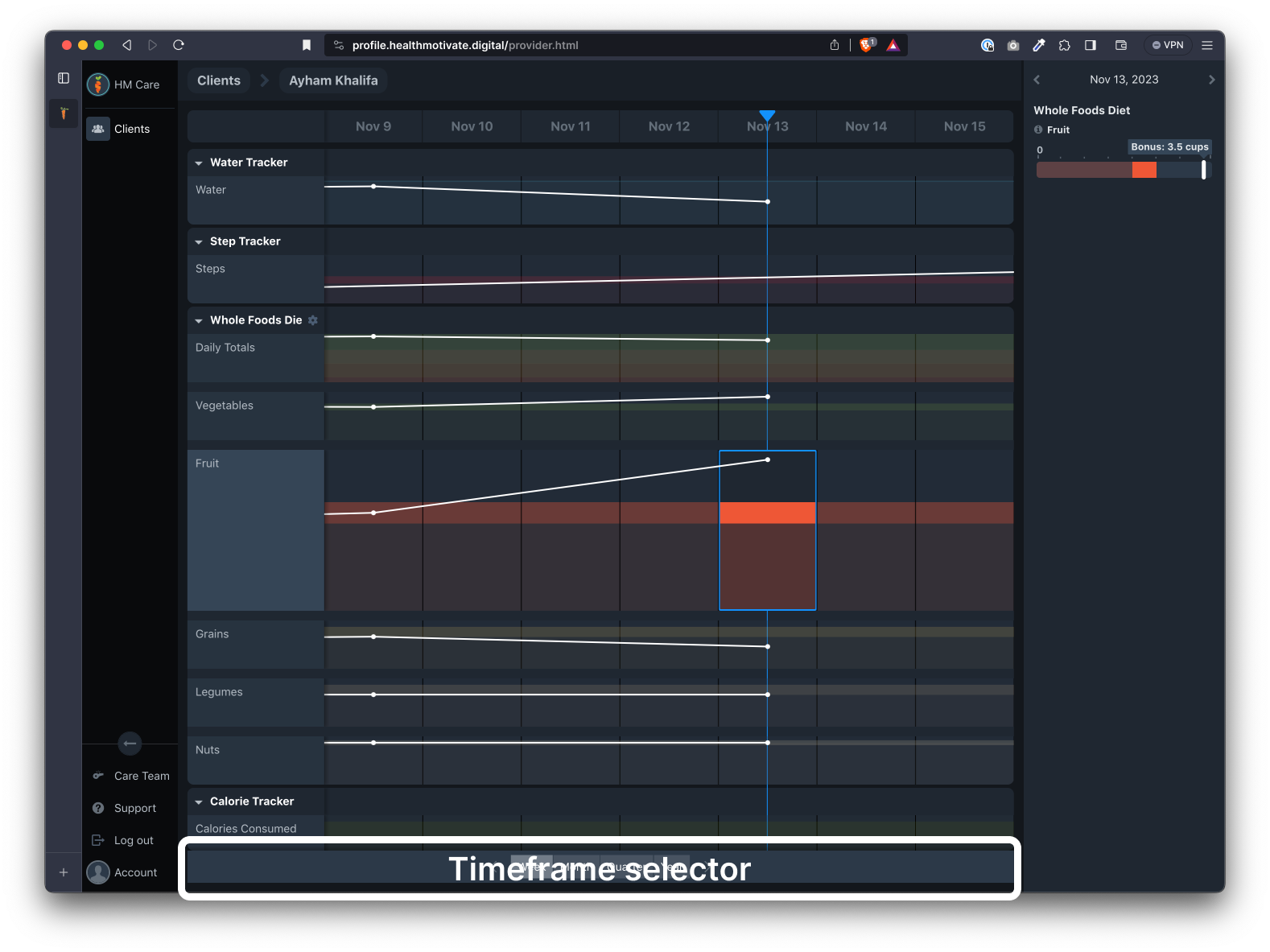
To change the timeframe, look for the Timeframe selector below the Tracks region. Select the desired timeframe setting. Currently there are four different timeframe settings:
- Week
- Month
- Quarter
- Year
Currently all date ranges use a single day as the sample period. However, future ability to adjust the sample period is in our roadmap.
Was this article helpful?