
Logging an activity
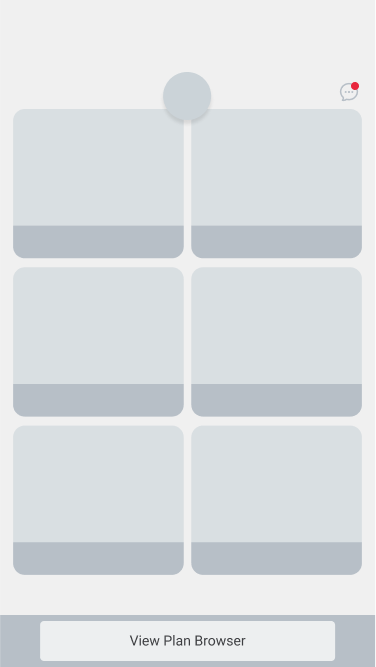
The dashboard will give you at-a-glance updates in all of your activity trackers. To update a tracker, simply tap it.
Last updated: May 7, 2026
1. Start from the dashboard
The dashboard will give you at-a-glance updates in all of your activity trackers. To update a tracker, simply tap it.
2. Recent status
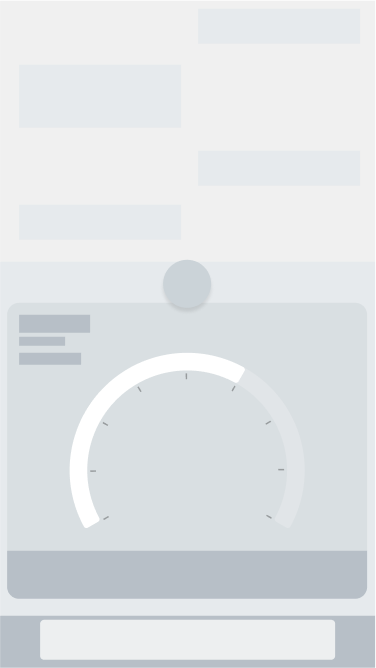
When you enter a tracker from the Dashboard, it displays the most recent status of the activity or vital. To log an update, simply follow the instructions given. (Each tracker is a little different.) Usually there is a button at the bottom of the screen that starts with "Log..."
Was this article helpful?