
Dashboard and Tracker Browser
When entering the app for the first time, you will only see the Tracker Browser until you have installed a tracker. Once a tracker is installed, you c
Last updated: May 7, 2026
On first use
When entering the app for the first time, you will only see the Tracker Browser until you have installed a tracker. Once a tracker is installed, you can view the Dashboard.
The Dashboard
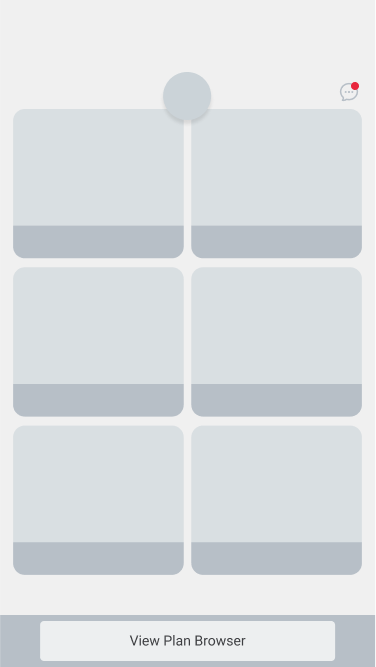
The Dashboard is your main hub for logging activities each day.
The Tracker Browser
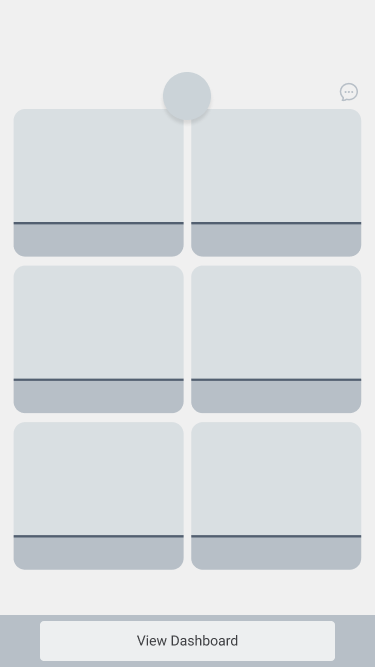
The Tracker Browser allows you to search for and install or uninstall trackers.
Was this article helpful?