Engage App Support
Ask AI Knowledge base Suggestions & Bugs

Introduction

  • What is the HealthMotivate App?

Guides

  • Getting started
  • Step 1: Download the app
  • Step 2: Create an account
  • Step 3: Add a profile
  • Step 4: Connect account
  • Step 5: App Demo
  • Step 6: Things to know

Affiliations

  • Accept an affiliation
  • Remove an affiliation

General Usage

  • Dashboard and Tracker Browser
  • Logging an activity
  • Menu & Navigation
  • Trend card

Integrations

  • 3rd party apps and hardware
  • Integrations
  • Setup a Blood Pressure cuff
  • Setup a Calorie counter
  • Setup a Smart weight scale
  • Setup Sleep
  • Setup Steps

Messaging

  • Conversations list
  • Messages
  • Messaging overview
  • Notifications

App Versions

  • Download the app
  • Releases

Account

  • Account deletion

Support

  • Get help
  1. Knowledge base
  2. Guides
  3. Getting started
Guides

Getting started

How to get started using the HealthMotivate app

Last updated: May 7, 2026

Getting started

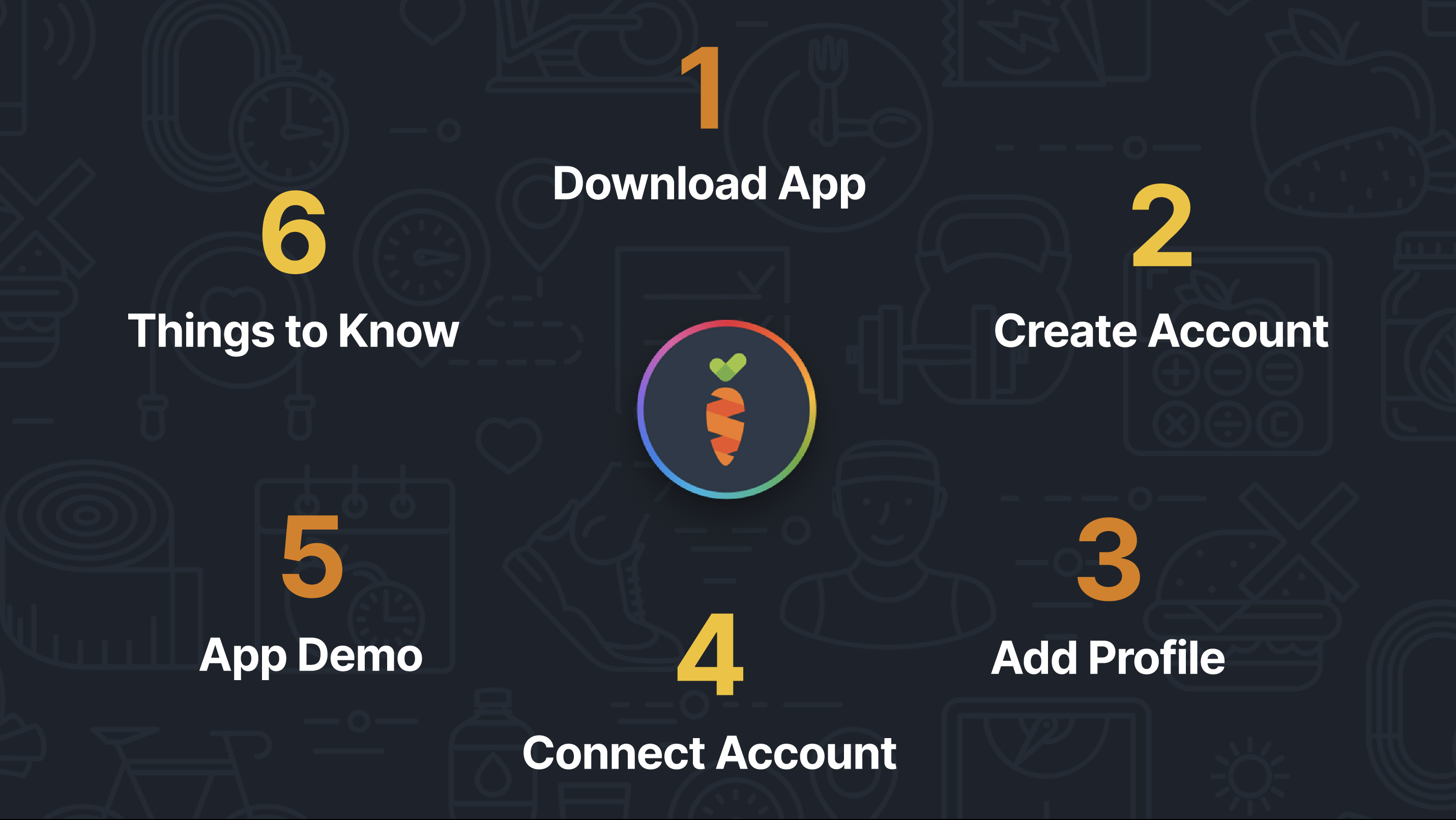
Onboarding Steps

  1. Step 1: Download The App
  2. Step 2: Create An Account
  3. Step 3: Add A Profile
  4. Step 4: Connect Account
  5. Step 5: App Demo
  6. Step 6: Things To Know
Next →Step 1: Download the app

Was this article helpful?

Help & Support Center

Support

Engage App SupportEngage Care Support

© 2026 HealthMotivate Digital. All rights reserved.

HIPAA-compliant platform