
Step 3: Add a profile
How to setup your profile
Last updated: May 7, 2026
Step 3: Add a profile
To follow these instructions, you must have completed [Step 2: Create An Account](/app/guides/getting-started/step-2-create-an-account).
Follow the prompts to create a profile
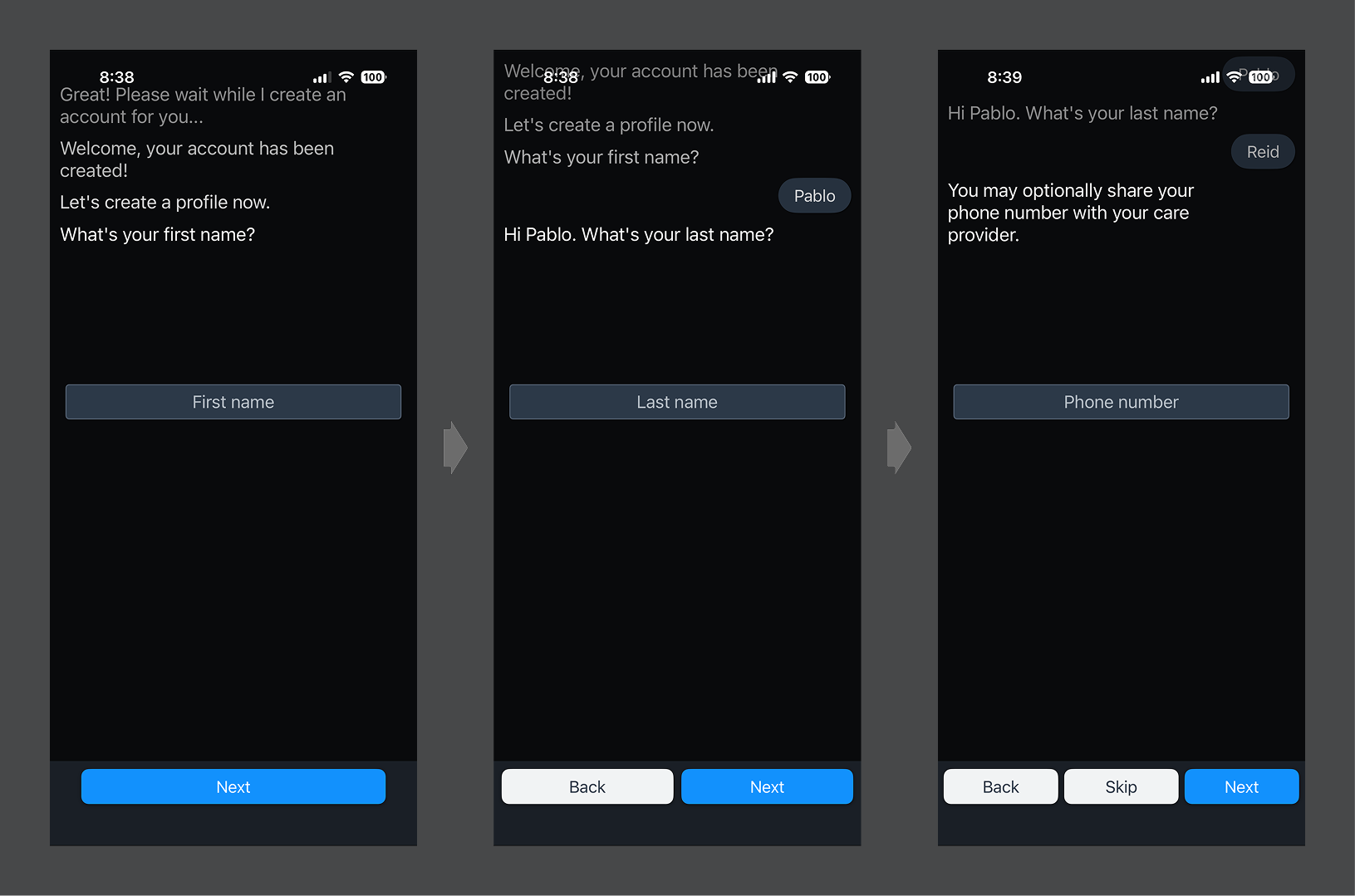
- Enter your first name, then tap "Next."
- Enter your last name, then tap "Next."
- Enter your phone number, then tap "Next." (You may optionally choose to "Skip" this step.)
Was this article helpful?